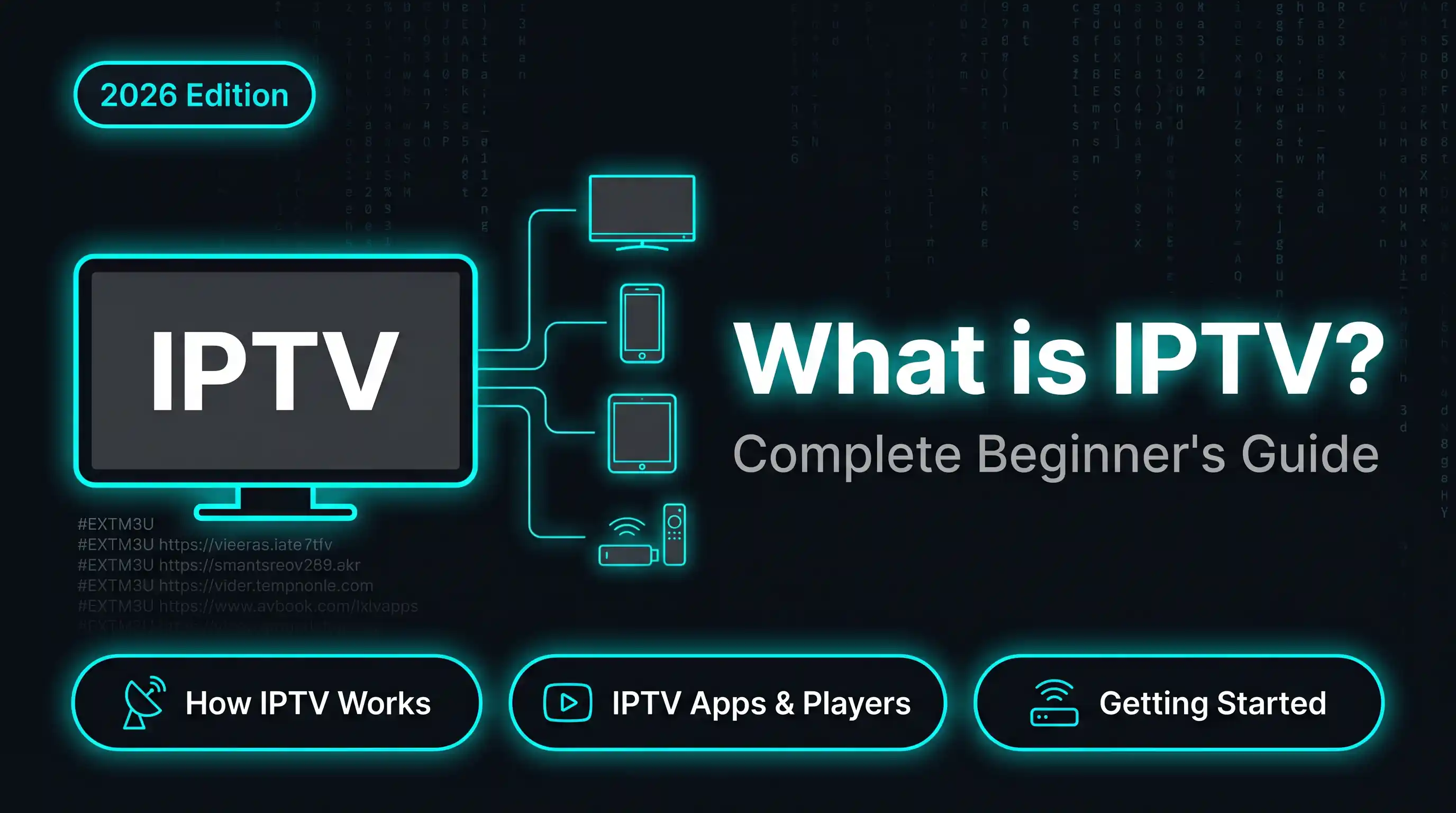
IPTV stands for Internet Protocol Television — live TV delivered over your internet connection instead of a cable wire or satellite dish. Netflix, YouTube TV and Disney+ all run on the same underlying technology. Where IPTV subscriptions differ is price: you get live channels — sports, news, international content — typically for $5–30 a month instead of $60–150 for cable.
What does IPTV stand for?
| Term | Meaning |
|---|---|
| IP | Internet Protocol — the same network standard that powers all web traffic |
| TV | Television — live channels, VOD, catch-up content |
| IPTV | TV content delivered over an IP network (your internet connection) |
Technically, when you watch a YouTube video or a Netflix show, you’re already using IPTV — the ITU has been defining IPTV as a formal broadcast standard since 2006. But the IPTV meaning most people are looking for is simpler: subscription services that deliver live TV channels — sports, news, local and international broadcasts — over the internet to any device, without a cable box or satellite dish.
How does IPTV work?
Cable TV sends every channel simultaneously down the wire; your box tunes to whichever one you pick. IPTV goes the other way: your app requests a specific channel, and the server sends only that stream to your device.
- Your provider encodes channels as video streams on their servers
- Your app requests the channel you want
- The server sends that one stream (unicast, point to point)
- Your app — TiviMate, IPTV Smarters, VLC, or similar — decodes and plays it
The dominant delivery protocol is HTTP Live Streaming (HLS, RFC 8216), the same standard Netflix, YouTube and Apple TV+ use.
Minimum internet speed for IPTV
| Quality | Required speed |
|---|---|
| SD (480p) | 5 Mbps |
| HD (720p) | 10 Mbps |
| Full HD (1080p) | 25 Mbps |
| 4K / UHD | 50 Mbps+ |
Use the free Buffering Test to check whether your connection meets these thresholds.
Types of IPTV services
1. Live IPTV
Streams TV channels in real time — sports events, news broadcasts, live shows. This is what most people mean when they say “IPTV subscription.”
2. Video on Demand (VOD)
A library of films and series you can watch at any time, similar to Netflix. Many IPTV subscriptions include VOD alongside live channels.
3. Time-shifted IPTV (Catch-up TV)
Watch programmes that already aired — typically a 7-day window. BBC iPlayer and ITVX are mainstream examples. Premium IPTV subscriptions often include catch-up for all channels.
4. Near-Video on Demand (nVOD)
Scheduled repeat broadcasts at fixed intervals — similar to a cinema timetable where the same content starts every 30 minutes. Less common now, as most providers offer true on-demand VOD. Some sports broadcasters still use nVOD for match replays at set times.
IPTV vs cable vs satellite
| Feature | IPTV | Cable | Satellite |
|---|---|---|---|
| Hardware required | Any device with internet | Cable box + coax | Dish + receiver |
| Monthly cost | $5–$30 | $60–$150 | $50–$120 |
| Channel count | 1,000–20,000+ | 100–500 | 100–300 |
| 4K content | Yes (provider dependent) | Limited | Limited |
| International channels | Extensive | Rare | Rare |
| Contract required | No | Usually 12–24 months | Usually 12–24 months |
| Works abroad | Yes (with VPN) | No | No |
| Setup time | 10 minutes | Engineer visit | Engineer visit |
How to access IPTV — M3U vs Xtream Codes
Every IPTV subscription delivers content through one of two formats:
M3U / M3U8 Playlist
A text file (or URL) that lists all available channels with their stream links. Example:
#EXTM3U
#EXTINF:-1 tvg-id="bbc1" tvg-name="BBC One",BBC One
http://provider.com:8080/live/username/password/101.ts
You paste the M3U URL into your IPTV app and your full channel list loads automatically.
→ What is an M3U file? Complete guide
Xtream Codes
A more structured API format using three credentials:
- Server URL —
http://provider.com:8080 - Username — your account login
- Password — your account password
Most modern IPTV apps (TiviMate, IPTV Smarters Pro) support both formats. If you have an M3U URL that contains Xtream Codes credentials embedded in it, use the free M3U to Xtream Converter to extract them.
Best IPTV apps in 2026
| App | Platforms | Best for |
|---|---|---|
| TiviMate | Android TV, Fire Stick | Best overall, EPG, recording |
| IPTV Smarters Pro | Android, iOS, Windows | Cross-platform, clean UI |
| GSE Smart IPTV | Android, iOS | M3U + Xtream, EPG |
| VLC | All platforms | Free, basic playback |
| Perfect Player | Android | EPG focus, IPTV resellers |
| Kodi + PVR IPTV | All platforms | Advanced, open-source |
| Tivimate Companion | Android phone | Manage TiviMate remotely |
TiviMate is the go-to for Fire Stick and Android TV. The EPG stays fast even on 20,000+ channel playlists, and the Premium tier ($5.99/year) adds recording and 9-screen multi-view. Not available on iOS.
IPTV Smarters Pro installs from the Google Play Store, Apple App Store, and Samsung/LG Smart TV stores without sideloading. It’s the easiest option for iPhone users and Smart TVs. Free for a single playlist; multi-playlist support is built in.
GSE Smart IPTV is worth considering if you want to manage your own EPG source separately from your provider. Solid M3U and Xtream Codes support on both Android and iOS.
What devices work with IPTV?
Any screen with an internet connection can run IPTV, but some handle it better than others.
Amazon Fire Stick / Fire TV is the most popular IPTV device. It runs Android, supports sideloaded apps like TiviMate via Downloader (code: 959336), and plugs into any TV’s HDMI port. The Fire Stick 4K Max handles 4K HDR streams without the stuttering you get on the basic model.
Android TV boxes like the Nvidia Shield Pro, Xiaomi Mi Box S, and MECOOL devices run Android TV natively. Every IPTV app in the Play Store works without sideloading, and they handle 4K with HDR more reliably than a Fire Stick. In my testing, the Nvidia Shield handles 20,000-channel playlists in TiviMate without a single dropped frame — something the Fire Stick 4K Max still occasionally struggles with on very large playlists.
MAG boxes by Infomir are dedicated set-top boxes built specifically for IPTV. They connect via a portal URL in the built-in browser rather than an app, which means a different setup process from M3U or Xtream Codes. Popular among users who want a cable-box feel without an Android device.
Smart TVs — most Samsung (Tizen) and LG (webOS) TVs support IPTV Smarters Pro directly from their app stores, so no extra hardware is needed. Samsung TV Plus also comes pre-installed with 100+ free channels on newer models.
iPhone and iPad — TiviMate is Android-only. On iOS, IPTV Smarters Pro and GSE Smart IPTV are the main options. Both support M3U and Xtream Codes and work well on iPad for a larger-screen experience.
PC and Mac — VLC handles M3U playlists on any OS: go to Media → Open Network Stream and paste your M3U URL. For a proper TV-style channel grid with EPG, Kodi with the PVR IPTV Simple Client add-on gives you a full desktop IPTV setup.
How to get IPTV and set it up — step by step
To get IPTV, you need an active subscription from a provider. Most providers sell directly online and send your credentials (M3U URL or Xtream Codes login) by email within minutes of payment. Once you have those, setup is straightforward.
Setup takes under 15 minutes on any device:
- Your provider sends you either an M3U URL or Xtream Codes credentials (server URL, username, password).
- Before installing anything, paste those credentials into the free IPTV Checker. It takes 10 seconds and catches most setup problems early.
- Install your app: TiviMate on Fire Stick (via Downloader, code: 959336) or Android TV; IPTV Smarters Pro on iPhone, iPad, Windows, or Smart TV.
- Open the app, go to Add Playlist, paste your M3U URL or Xtream Codes credentials, and confirm.
- Optional: paste your provider’s EPG URL to get the full programme guide.
→ Full device-by-device instructions: How to Setup IPTV on All Devices
Is IPTV legal?
The technology is legal. Whether a specific subscription is legal depends on whether the provider holds broadcasting rights for the channels they offer.
- Legal: Netflix, Disney+, YouTube TV, Hulu Live, BBC iPlayer, any provider with named broadcasting licences
- Grey zone: Low-cost subscriptions with 5,000+ channels and no company information — these almost never hold proper licences
- Illegal: Distributing or selling unlicensed IPTV streams (actively prosecuted in the US, UK and EU)
Individual viewers watching unlicensed streams are rarely prosecuted, but the risk varies by country and is growing.
→ Full legal breakdown: Is IPTV Legal?
Free legal IPTV services
Not all IPTV requires a paid subscription. Several legitimate services offer live TV channels and on-demand content at no cost, funded by advertising:
| Service | Region | What you get |
|---|---|---|
| Pluto TV | US, UK, EU | 250+ live channels |
| Peacock (free tier) | US | 50+ channels + VOD |
| BBC iPlayer | UK (VPN required abroad) | All BBC channels + 30-day catch-up |
| ITVX | UK (VPN required abroad) | ITV channels + VOD library |
| Samsung TV Plus | US, EU | 100+ channels (Samsung TVs only) |
| Tubi | US, Canada, Australia | 200+ live channels + VOD |
| Plex | Global | 300+ free live channels |
These services are fully licensed and legal wherever they operate. The trade-offs compared to paid subscriptions: smaller channel counts, ad-supported playback, and regional restrictions. For live international sports or premium channels, a paid subscription is still necessary.
What you need to start
Essential:
- Internet connection (minimum 25 Mbps for HD)
- An active IPTV subscription
- A compatible device (Fire Stick, Android TV, phone, PC)
- An IPTV app (TiviMate, IPTV Smarters)
Optional but recommended:
- VPN (for privacy and unblocking geo-restrictions)
- Ethernet connection instead of Wi-Fi (more stable for live streams)
- External storage if recording with TiviMate
Common IPTV problems and fixes
| Problem | Most likely cause | Fix |
|---|---|---|
| Channels won’t load | Wrong credentials or server down | Run IPTV Checker |
| Constant buffering | Slow connection or server overload | Run Buffering Test |
| Black screen on play | Expired stream or codec issue | Change stream quality in app settings |
| ”Invalid credentials” error | Subscription expired or typo | Re-paste credentials carefully |
| EPG not working | Wrong EPG URL format | Get EPG URL from your provider |
→ Full troubleshooting guide: IPTV Not Working? 8 Fixes
Frequently asked questions
IPTV is live TV delivered over your internet connection instead of a cable or satellite signal. You watch it through an app on any device — Fire Stick, phone, tablet, Smart TV or PC.
Some IPTV services are free and legal — Pluto TV, Peacock (free tier), BBC iPlayer, ITVX, Tubi and Plex all offer live channels at no cost. Most IPTV subscriptions offering live sports and premium channels cost between $5 and $30/month.
The Amazon Fire Stick 4K Max is the best value option — it supports TiviMate via sideloading and handles 4K streams reliably. For the best performance overall, the Nvidia Shield Pro runs Android TV natively and can handle any stream format without stuttering. On iPhone or iPad, IPTV Smarters Pro is the main choice since TiviMate is Android-only.
No. IPTV works on any device with an internet connection: Fire Stick, Android TV box, smartphone, tablet, laptop, Smart TV, or Chromecast.
The underlying technology is identical. The difference is licensing: services like Netflix and Disney+ hold formal broadcasting rights, while "IPTV subscription" usually means a third-party service offering live TV channels.
Licensed services (YouTube TV, Sling) offer 50–150 channels. Unlicensed IPTV subscriptions typically offer 3,000–20,000+ channels including international content.
Yes. TiviMate is the most popular IPTV player for Fire Stick and Android TV. It accepts M3U URLs and Xtream Codes credentials and supports large playlists with EPG.
At least 10 Mbps for HD (1080p), 25 Mbps recommended for stable HD. 4K streams need 50 Mbps+. A wired (Ethernet) connection is more reliable than Wi-Fi for live streams.