Free IPTV Checker — Test Your Stream Online
Test any IPTV stream in seconds. Paste an M3U link or Xtream Codes credentials to see if it's live, measure latency and diagnose connection issues — free.
📊 Test Results
How It Works
1. Paste Your Link
Paste your M3U URL or enter your Xtream Codes credentials — the same info you use in TiviMate or IPTV Smarters.
2. We Test Your Server
We connect to your IPTV server directly and measure response time, just like your streaming app would.
3. Get Your Results
See instantly if your stream is live, check your channel count and subscription expiry.
Check Any IPTV Link or Xtream Codes Instantly
Paste any M3U link or Xtream Codes credentials and know instantly if your stream is live. No app download, no signup, no waiting.
- check_circle Detects expired or suspended accounts
- check_circle Shows real server latency and channel count
- check_circle Works with all IPTV providers
Three situations where an IPTV test saves you time
Most IPTV problems take minutes to diagnose — if you know what to test. Running a quick IPTV test first eliminates the most common causes before you start changing app settings or restarting devices.
Before paying for a new subscription
Most IPTV providers offer a 24-hour trial. Paste the trial M3U URL or Xtream Codes into the checker before you pay. You'll see the channel count, server latency and subscription expiry instantly — no app installation required.
When your stream stops unexpectedly
Stream suddenly offline? Test it here first. If the checker confirms the server is responding and your credentials are valid, the problem is on your device or app — not the provider. If the checker returns an error, contact your provider directly.
Setting up TiviMate or IPTV Smarters for the first time
App configuration errors are the most common cause of IPTV setup failures. Verify your M3U URL or Xtream Codes are working here before entering them into your app — that way you know credentials are correct before troubleshooting the app itself.
Frequently Asked Questions
Latency is the time it takes for your IPTV server to respond to your request. Think of it like the delay between pressing the remote and the channel changing on your TV.
lightbulb How to Improve Latency
Absolutely! We never store your credentials, URLs, or any sensitive information. All processing happens in-memory and data is immediately deleted after each check. We're fully GDPR compliant with zero data retention.
Yes, the basic validator tool is completely free. We do not store your credentials or logs on our servers.
Common causes: the server is temporarily down, your subscription has expired, your M3U link has been reset by your provider, or your account has reached its connection limit. Try again in a few minutes — if it stays offline, contact your IPTV provider.
Choose your input type — M3U URL or Xtream Codes. Paste your link or enter your server address, username and password. Click Test Stream. Results appear in seconds: live status, latency, channel count and subscription expiry.
Yes. Switch between the M3U URL and Xtream Codes tabs. For M3U, paste the playlist URL. For Xtream, enter your server URL, username and password — the same credentials you use in TiviMate or IPTV Smarters.
It measures server response time (latency), confirms whether your account is active, shows total channel count, and displays subscription expiry and connection limits. All checks run server-side so results are accurate regardless of your browser or ISP.
Other free tools
Improve your streaming workflow with our complementary utilities.
View all arrow_forwardRelated Guides
All articles arrow_forward
What is IPTV? How It Works, Types & Setup Guide (2026)
IPTV delivers live TV channels over the internet — no cable needed. Learn how IPTV works, which apps to use, and how to set it up in under 15 minutes.
Read article arrow_forward
How to Setup IPTV in 2026 (Step-by-Step, All Devices)
Free 2026 guide: setup IPTV on Fire Stick, Android TV, iPhone, Smart TV & Windows. Install TiviMate with Xtream Codes or M3U in under 15 minutes.
Read article arrow_forward
IPTV Not Working? 8 Fixes That Actually Work (2026)
IPTV not working? 8 verified fixes for buffering, black screen, invalid credentials and app freezing on Fire Stick, Android, iPhone & Smart TV — under 5 min.
Read article arrow_forward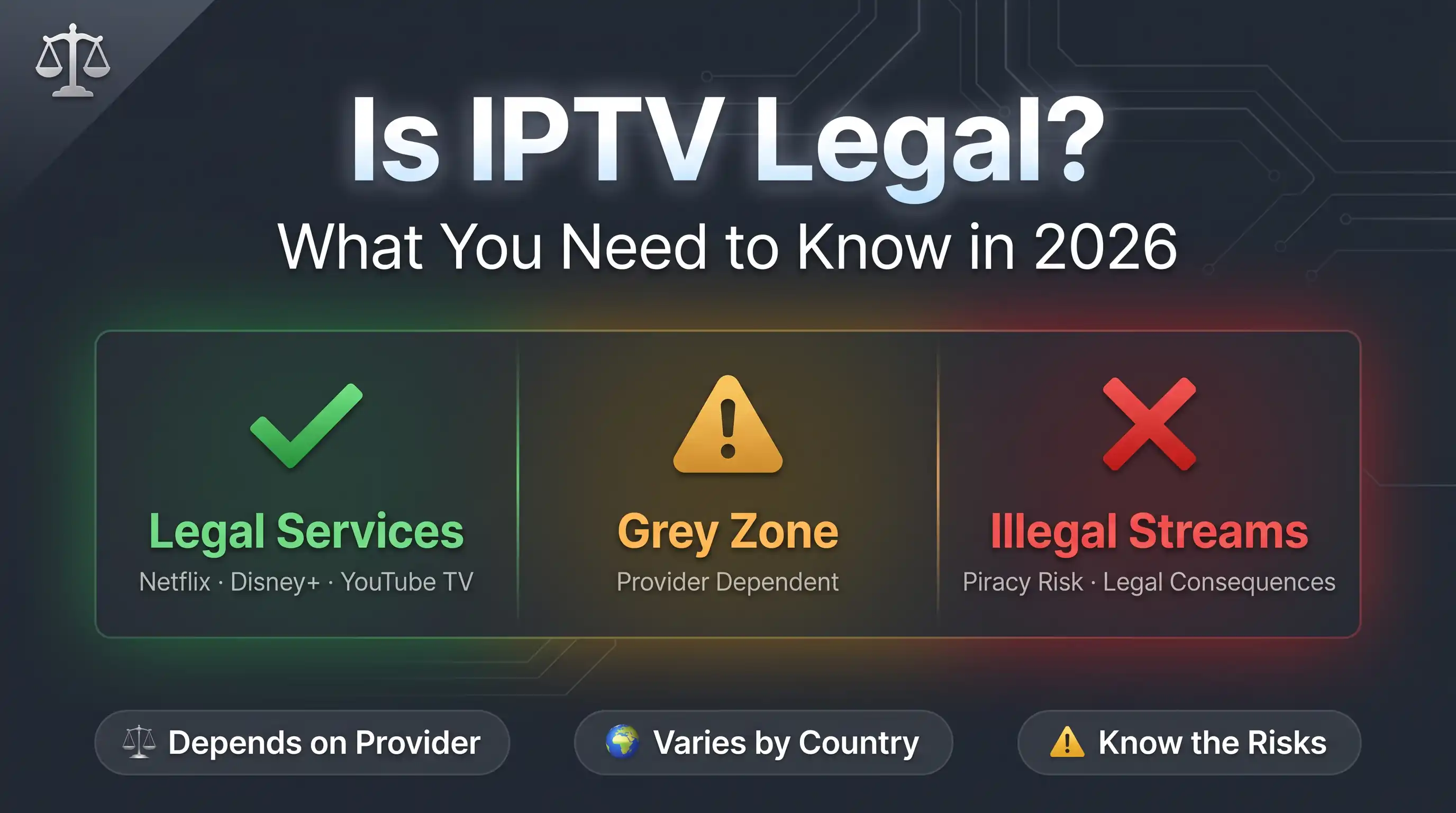
Is IPTV Legal in the US, UK & EU? What to Know in 2026
Is IPTV legal? It depends on your provider and country. We break down legal IPTV services, grey-zone providers and the real risks of unlicensed streams.
Read article arrow_forward